
Description
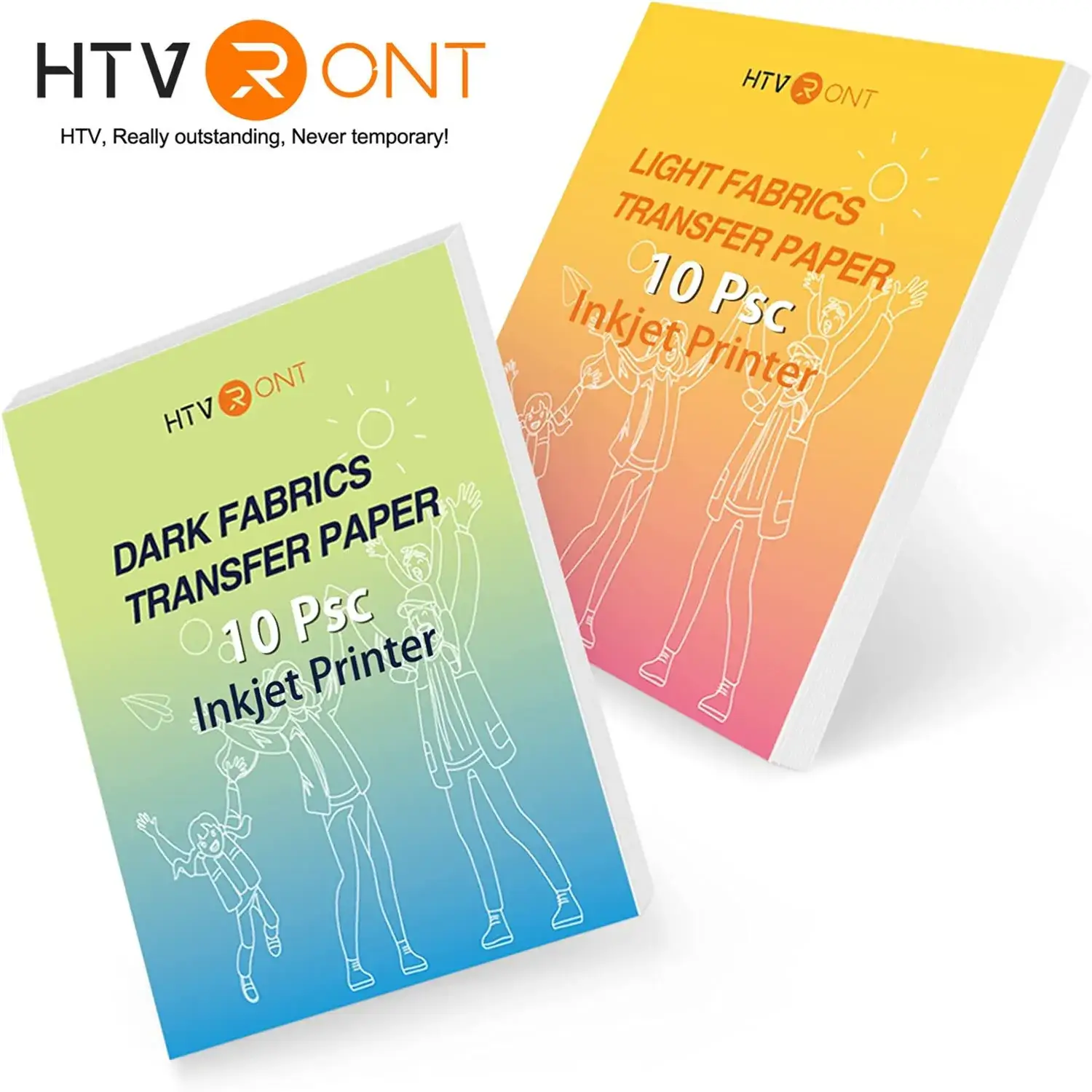
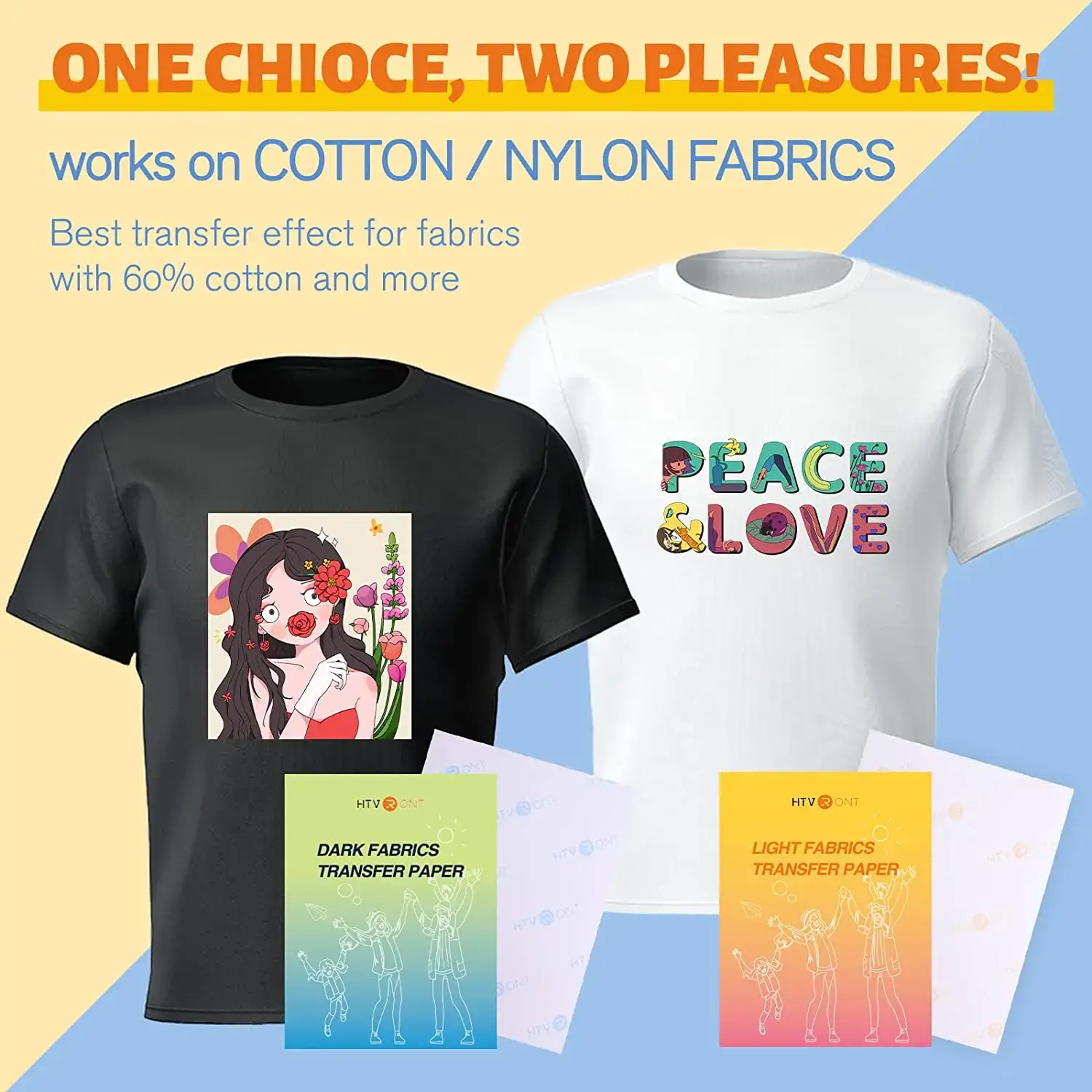
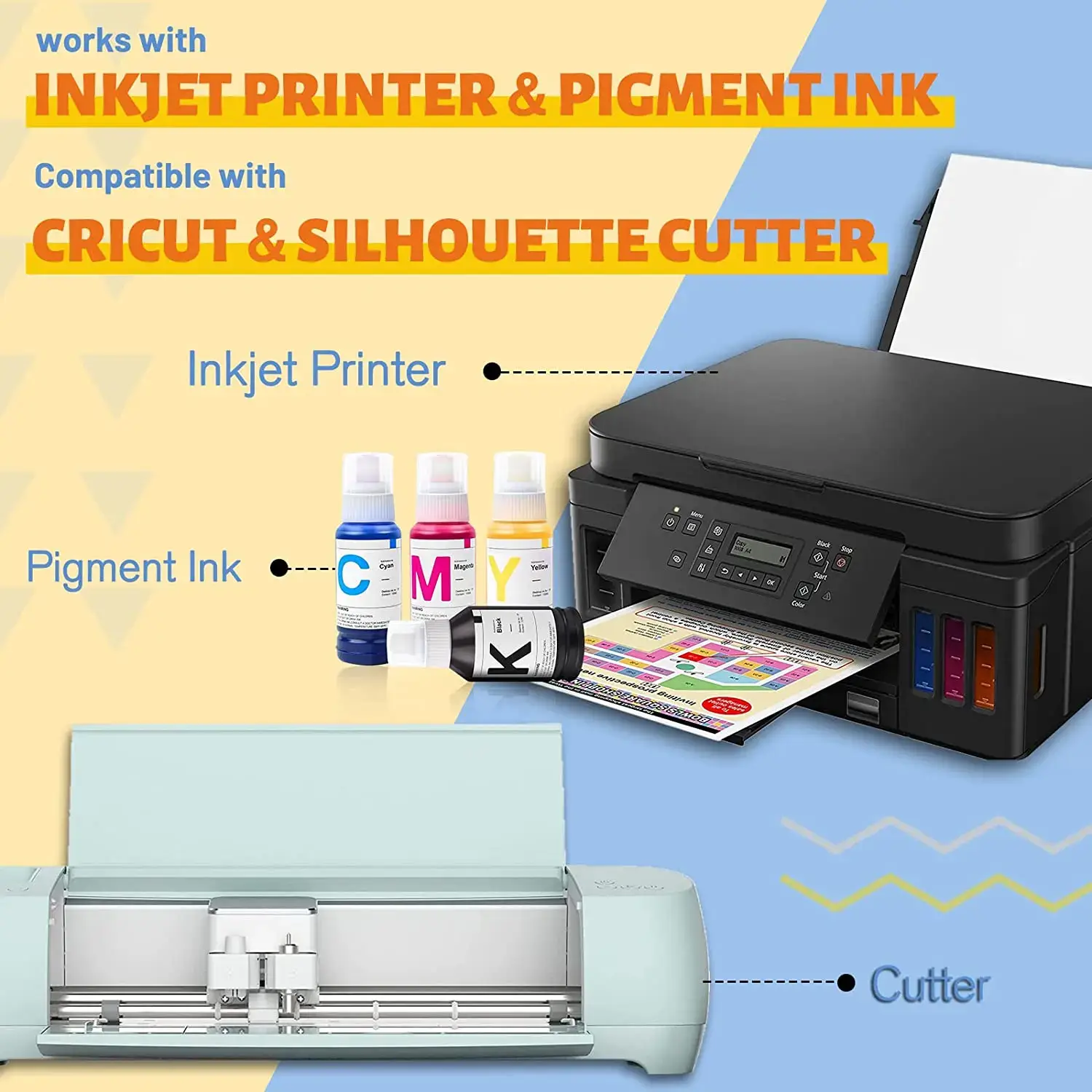
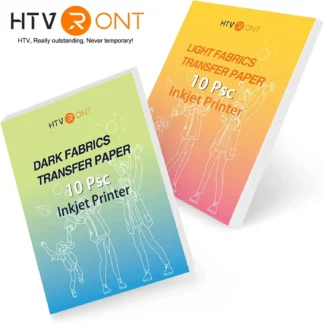
This A4 heat transfer paper pack includes 20 sheets designed for printing and transferring custom designs onto fabric using an inkjet printer and a Silhouette machine. It is suitable for both light and dark fabrics, allowing you to create detailed, full-colour designs for clothing and textile projects.
The paper is designed for Print & Cut workflows, meaning you print your design first and then cut it accurately with your Silhouette machine before applying heat. This ensures clean edges and a professional finish, even for more detailed designs.
Key Features
- 20 sheets per pack
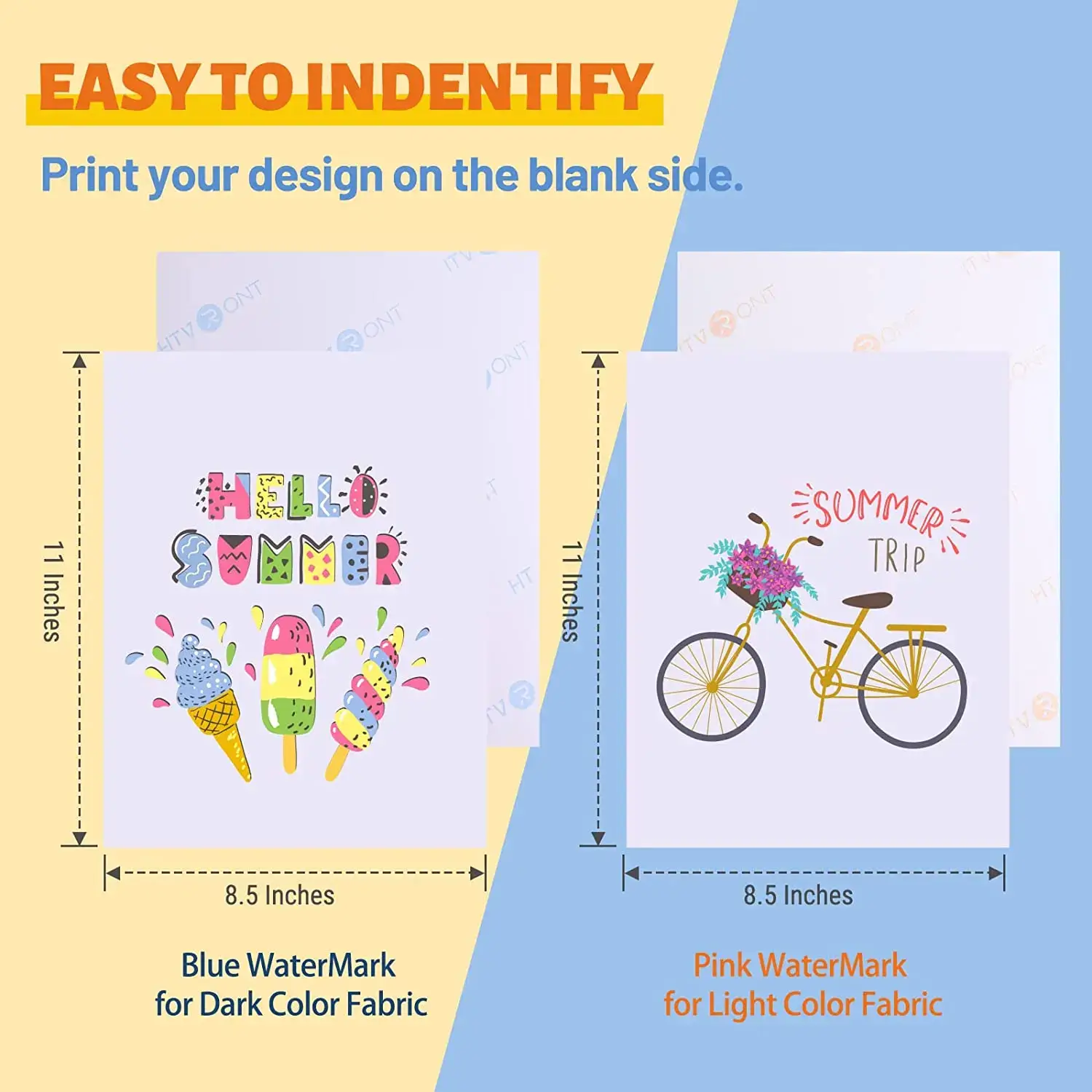
- A4 size: 21 × 29.7 cm
- Suitable for light and dark fabrics
- Designed for inkjet printers
- Works with Print & Cut workflows
- Strong adhesion after pressing
- Clear and vibrant print results
How to Use
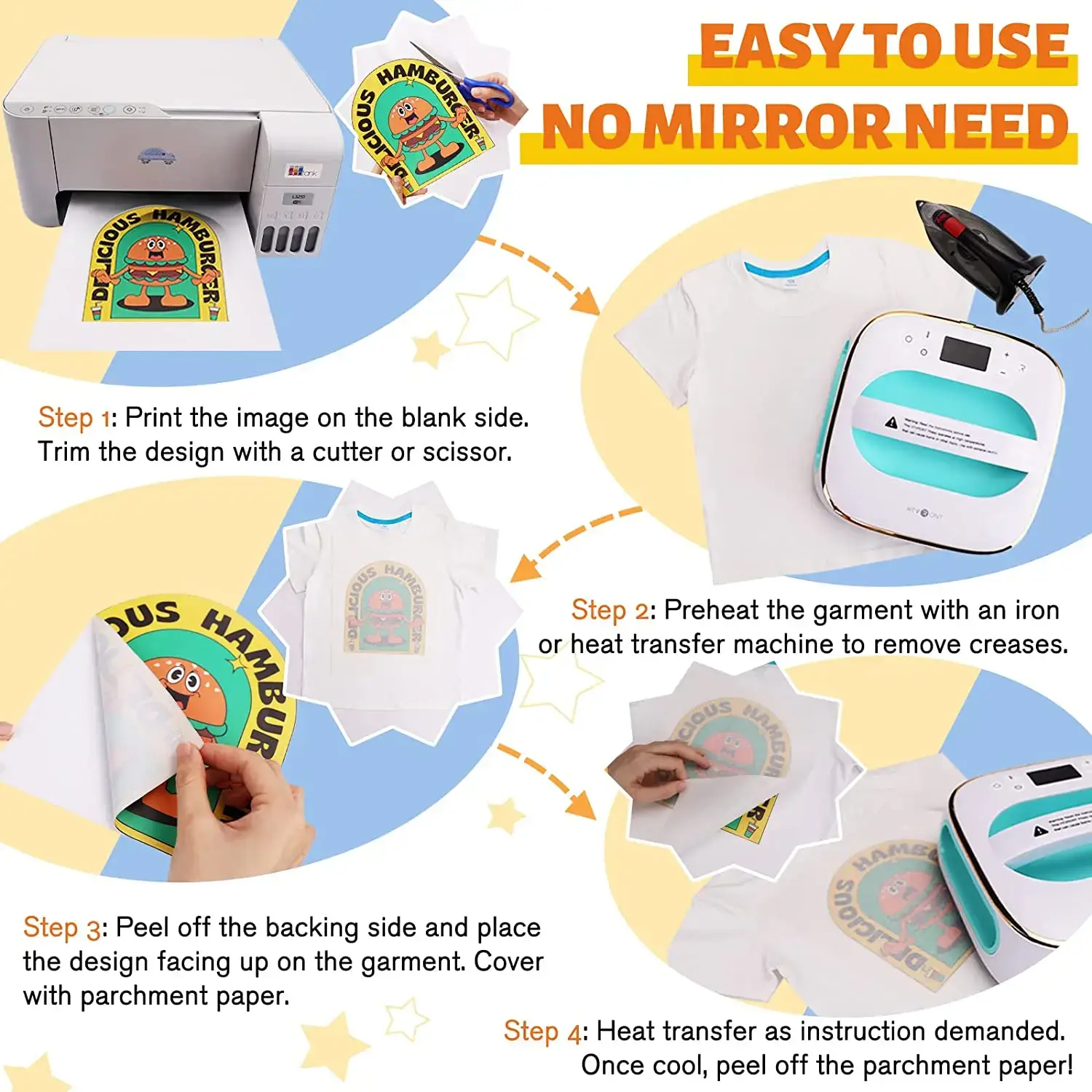
Print your design onto the sheet using an inkjet printer. Then place the sheet into your Silhouette machine and cut around the design using Print & Cut. Position the design onto the fabric and apply heat using a heat press or a standard iron. Allow it to cool before removing the backing.
Applications
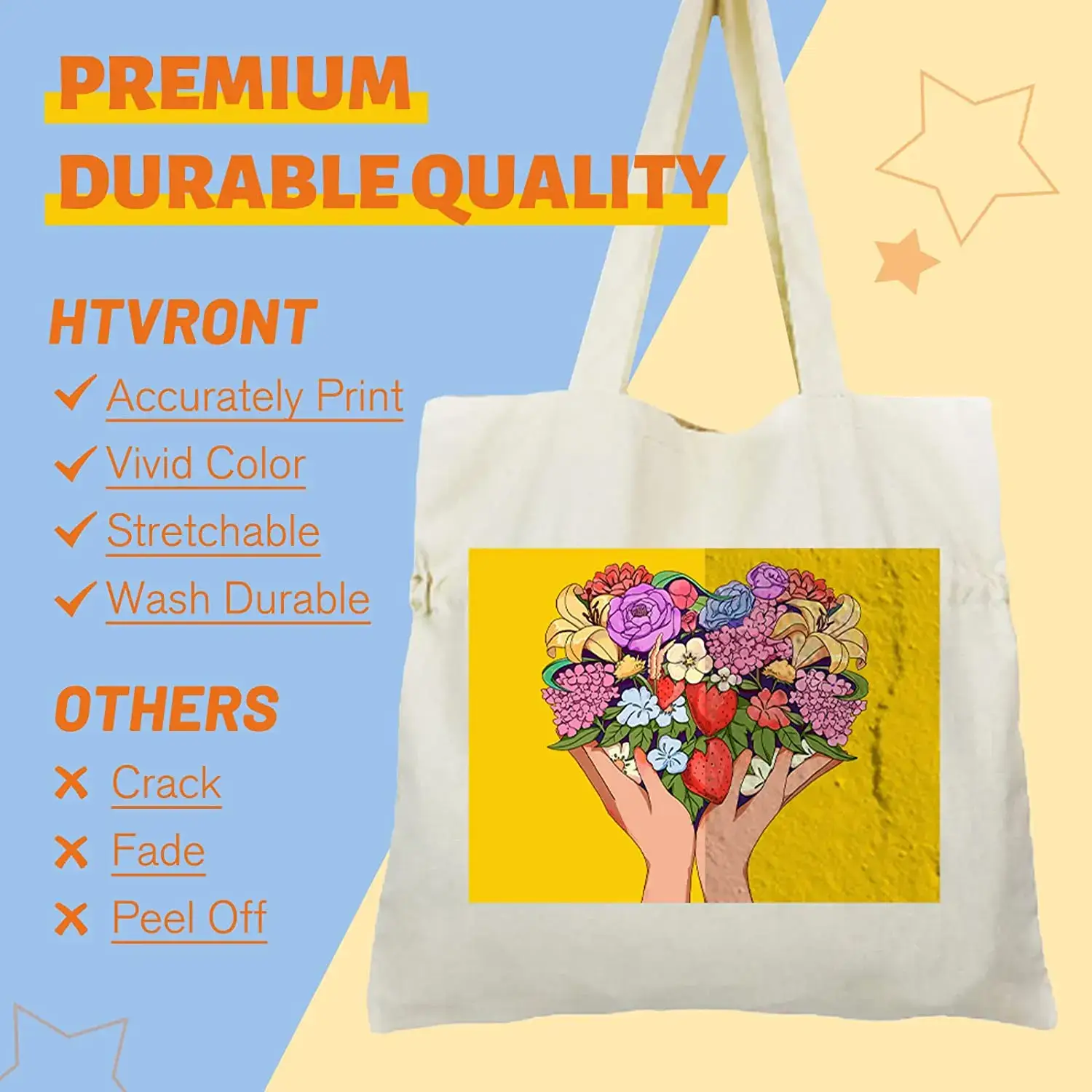
Ideal for T-shirts, hoodies, tote bags, cushion covers and other cotton-based textiles. Suitable for personalised clothing, gifts, small business use and everyday crafting projects. Works well for both simple designs and more detailed prints.
Technical Details
- Quantity: 20 sheets
- Size: A4 (21 × 29.7 cm)
- Printer type: Inkjet only
- Application method: Heat press or standard iron
- Fabric compatibility: Cotton and cotton-rich fabrics
The sheets are stable during printing and cutting, helping to achieve consistent results across multiple uses. The material is designed to hold ink well and transfer cleanly when heat is applied correctly.
Compatibility
- Silhouette Cameo 1, 2, 3, 4
- Silhouette Cameo Plus
- Silhouette Cameo Pro
- Silhouette Portrait 1, 2, 3
- Silhouette Curio
- Brother ScanNCut
Suitable for Silhouette Print & Cut use after printing.
Additional Notes
Designed for use with inkjet printers only. For best results, use appropriate print quality settings and apply even heat and pressure. Results may vary slightly depending on fabric type and equipment used.
Store the sheets in a dry, flat environment to maintain print quality and ensure reliable performance over time.
Reviews
There are no reviews yet