



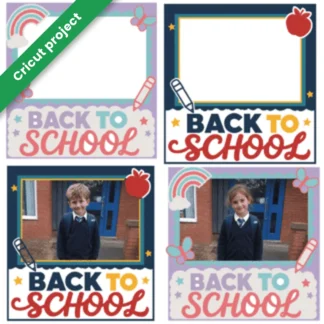

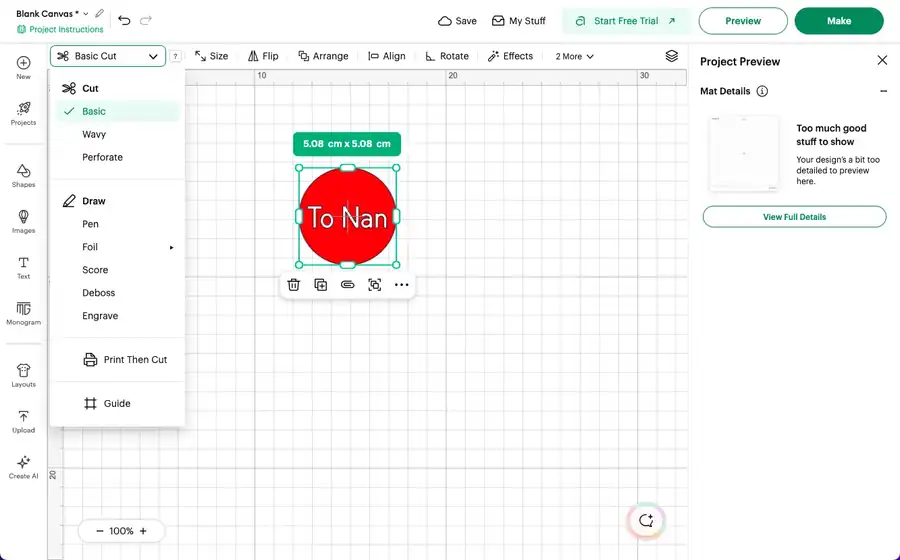
Short answer: Cricut Print Then Cut lets your home inkjet printer print a full-colour design, then your Cricut reads the black border printed round it and cuts neatly round each shape. In Design Space you set the layer to Print…
CraftsVinyl guides
Whether you have just unboxed your first Cricut or have been cutting for years, this is where we keep our step-by-step Cricut guides for UK crafters. Every guide is written and tested by us, with metric measurements, materials you can buy in the UK and the exact settings we use.
New to Cricut? Start with how to use iron-on vinyl with a Cricut. It is the project most people make first, and it teaches you mirroring, weeding and pressing in one go. Then pick something from what to make with your new Cricut: eight easy first projects using materials you can get in the UK.
Design Space is the free software that runs every Cricut machine, and it is where most beginners get stuck. Our Design Space guides take one feature at a time, with real examples. Start with Cricut Print Then Cut, which shows you how to turn your home printer and Cricut into a sticker and label maker.
The Cricut Joy is small but surprisingly capable: labels, cards, decals and small iron-on designs. Smart materials load without a mat, so you can cut long designs in one go. Our Cricut Joy-compatible smart vinyl and Joy cutting mats are made to fit.
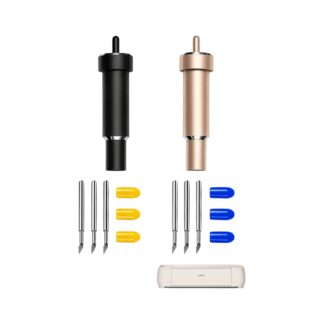
The Maker and Explore cut a wider range of materials, from vinyl and card to faux leather and felt. Keep your cuts clean with fresh replacement Cricut blades, and match the cutting mat grip to the material: light for paper, standard for vinyl, strong for thicker materials.
Looking for something to make? Our seasonal projects come with full instructions and cut settings: Christmas pyjamas and a Christmas jumper in iron-on vinyl, a personalised Christmas stocking (made on a Silhouette, but the steps are the same on a Cricut) and personalised sublimation mug gift ideas.
These are the Cricut-compatible supplies our customers order most: blades, smart vinyl for the Joy, permanent vinyl and iron-on vinyl. Free shipping all over the UK and free 14-day returns.
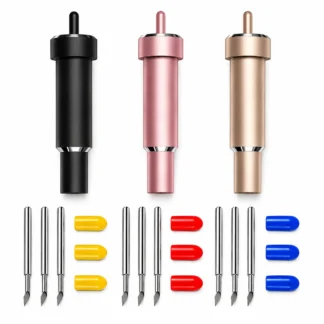
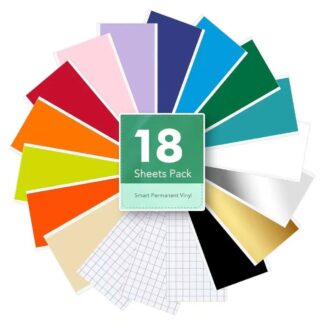


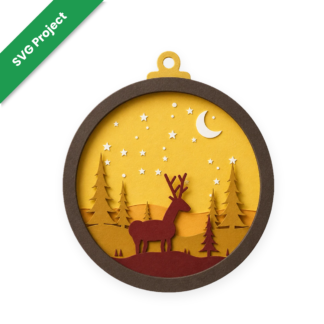
Our free Cricut projects come as SVG files, ready to upload to Design Space and cut on your Cricut or Silhouette. The layered shadow boxes and light boxes include every layer as its own file, so you can cut card or vinyl one colour at a time.
Short answer: Cricut Print Then Cut lets your home inkjet printer print a full-colour design, then your Cricut reads the black border printed round it and cuts neatly round each shape. In Design Space you set the layer to Print…
So there's a new Cricut on the kitchen table. Maybe it was under the tree, maybe you treated yourself in the sales. Either way, the box is open, Design Space is installed, and now you're wondering what to actually make.…
Few Christmas traditions have taken off quite like Christmas Eve pyjamas. Whether they arrive in a Christmas Eve box or get handed out after tea, a fresh pair of PJs is part of the build-up in a lot of UK…
A name on a stocking turns a shop-bought decoration into something that comes out every December for years. It is one of the quickest Christmas projects you can make with a Silhouette Cameo, and it is a lovely one to…
Shop-bought Christmas jumpers all start to look the same by mid-December. Making your own with iron-on vinyl and your Cricut is quicker than most people expect, and you end up with something nobody else in the office, classroom or family…
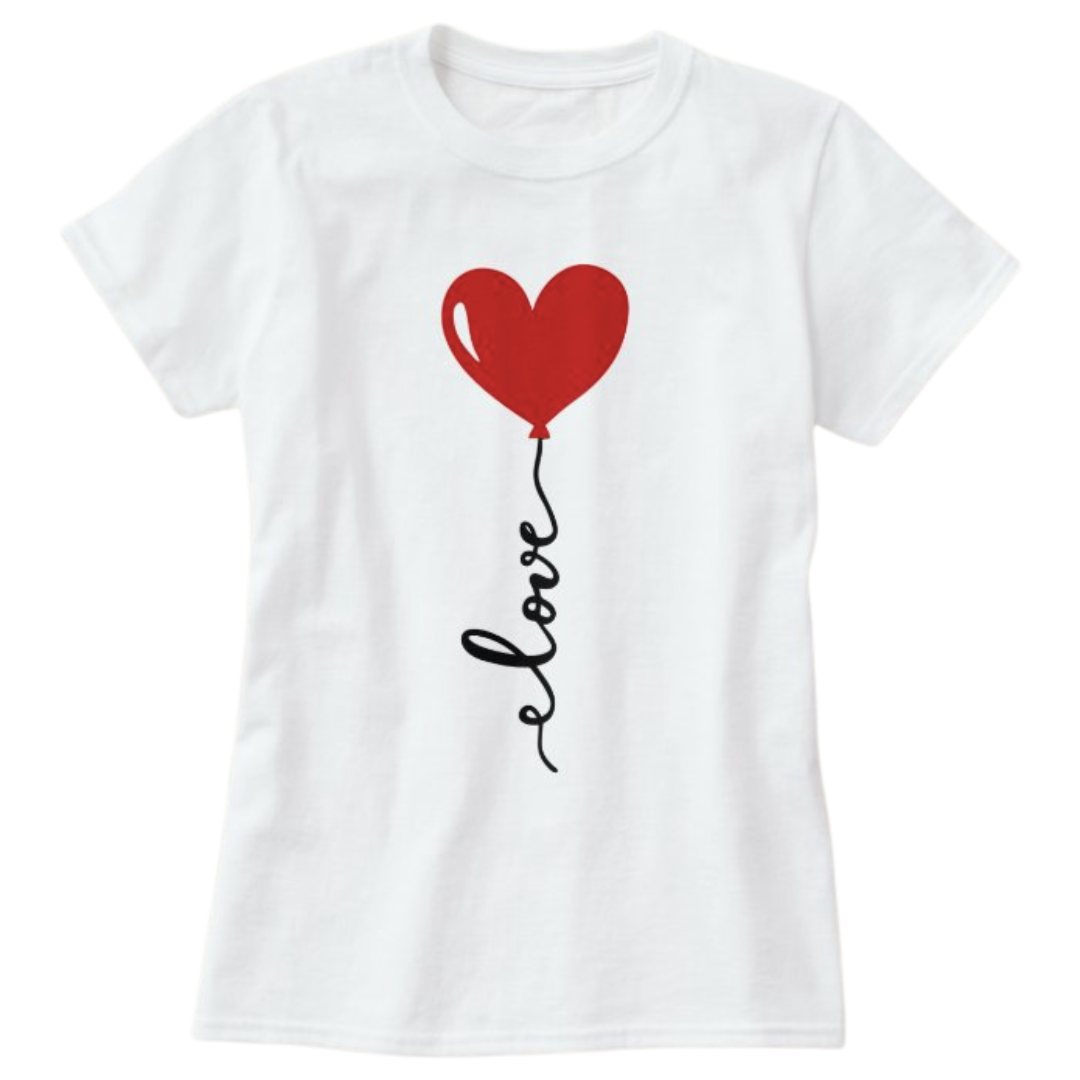
Learn how to use iron-on vinyl with a Cricut in five simple steps: mirror, cut shiny side down, weed, press and peel.
Finding the perfect gift isn’t always easy. Whether it’s a birthday, Christmas, Mother’s Day, a wedding, or simply a little thank-you, you want to give something that feels thoughtful and personal.That’s where sublimation mugs come in.A simple blank mug can…